Mail Threat Zero Security Gateway
📧 External Sender
Internet / Attacker
→
⚡ Security Gateway
Multi-Layer Scanning
RBL • SPF • DKIM • DMARC
ClamAV • Oletools • SpamAssassin
Pyzor • Razor2 • Rspamd • AI
🔒 Quarantine
Admin Review
Clean?
Clean →
✓ Validated
Safe to Deliver
💻 Mail Server
Exchange / Gmail / O365
→
👥 Your Users
Protected Inboxes ✅
<2s
Scan Time
97%
Threat Detection
<0.1%
False Positives
All SMTP
Email Types
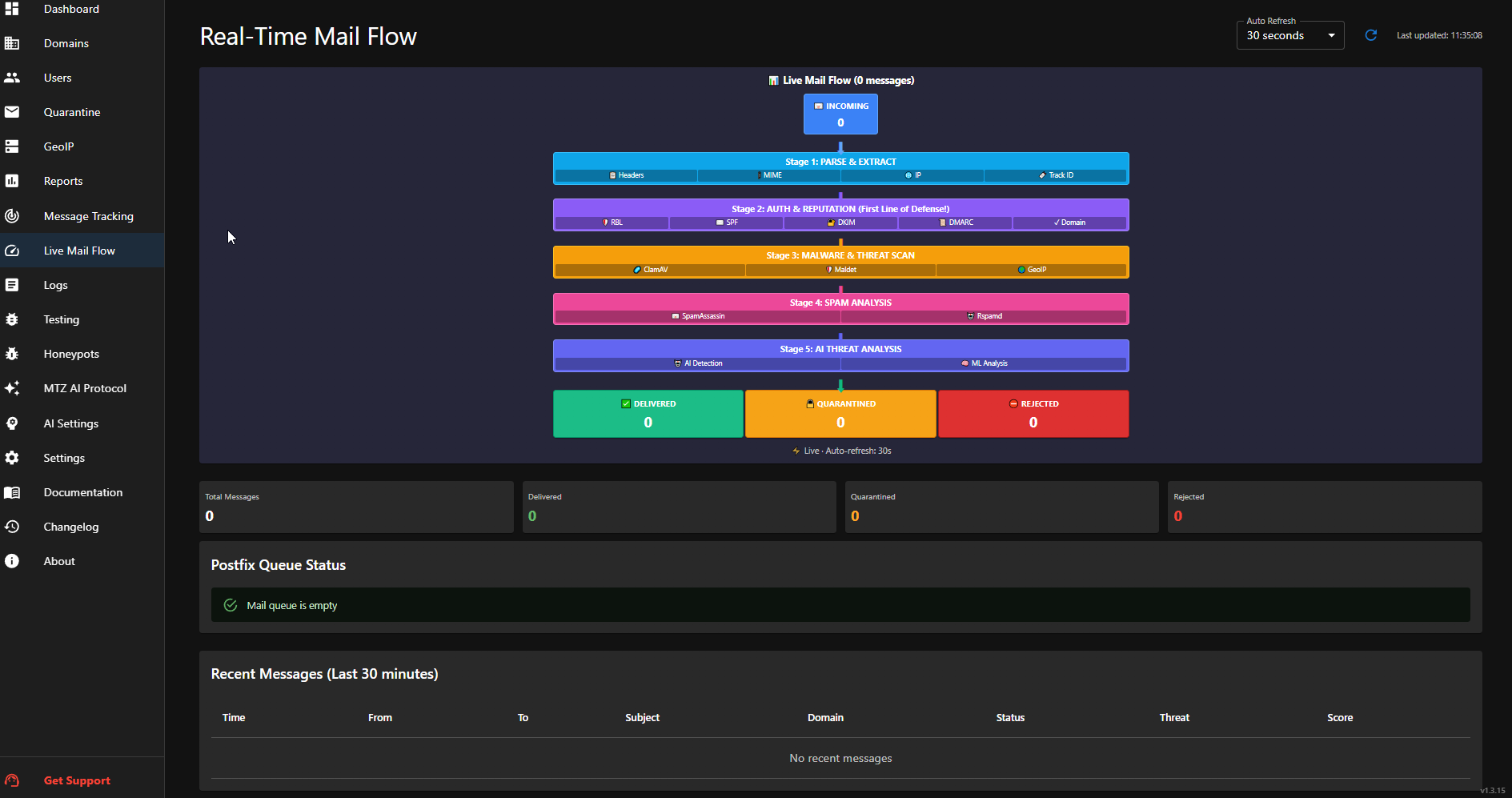
🛡️ Security Filter Layers
Layer 1 - Network
- • RBL/DNSBL (6 servers)
- • IP Reputation Analysis
- • GeoIP & Rate Limiting
Layer 2 - Authentication
- • SPF Verification
- • DKIM Signature
- • DMARC Policy
Layer 3 - Virus/Malware
- • ClamAV (Official/Unofficial)
- • ClamAV via Rspamd
- • Maldet Linux Scanner
- • Oletools (Office Macros)
- • Attachment Checking
Layer 4 - Spam & Content
- • SpamAssassin (550+ rules)
- • Rspamd Advanced Filter
- • Bayesian & URL Checking
- • Phishing Detector (lookalike/homograph)
- • Header Analyzer (spoof/anomaly)
- • Content Filter (keywords/URLs)
- • Auth-aware false-positive suppression
Layer 5 - AI (Conditional)
- • Runs if Phase 1 score < 10
- • GPT-4o Mini / Claude Haiku